




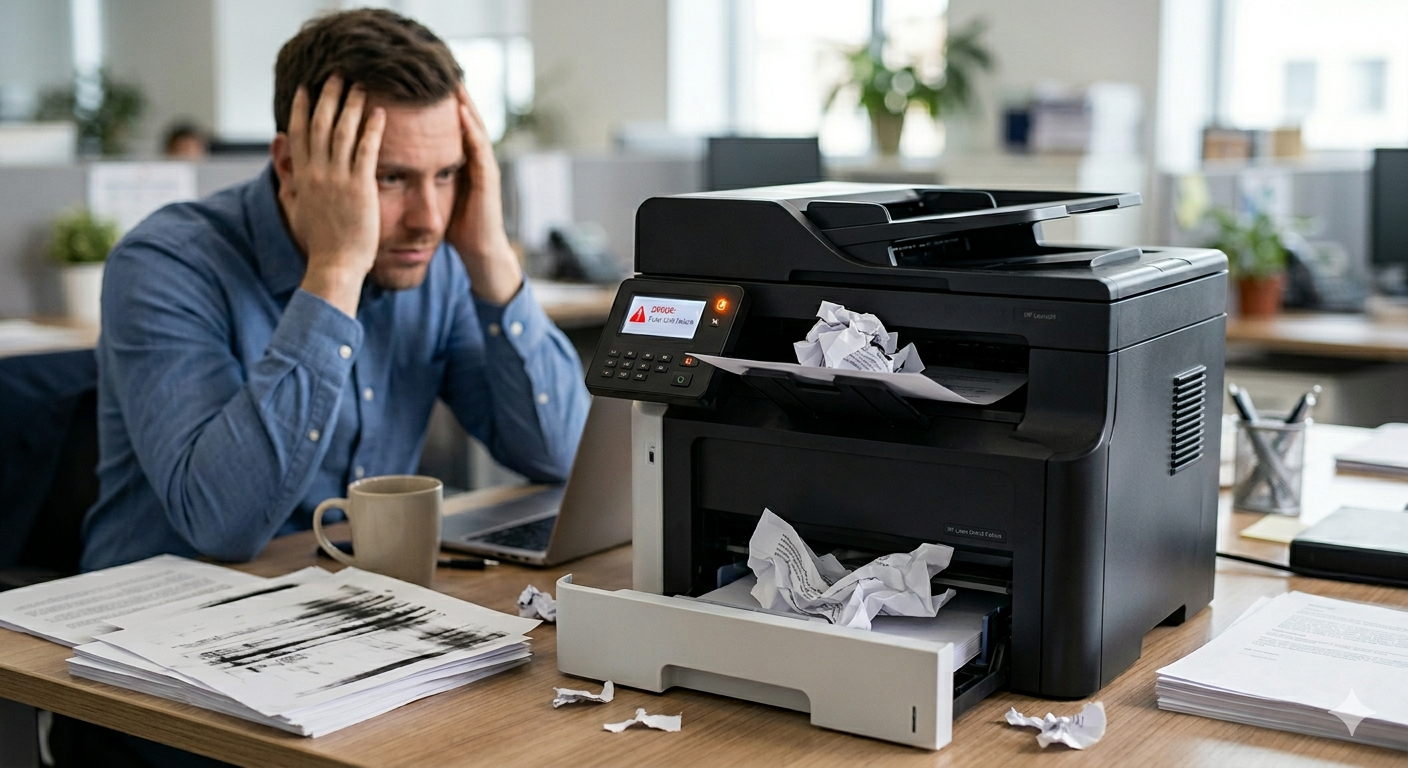
Your printer isn’t broken yet. But it’s getting there.
And the difference between a ₹400 fix and a ₹4,000 replacement? Usually just how long you waited.
Most people ignore the early warning signs — small hiccups, minor annoyances — until the day their printer completely dies mid-deadline. Don’t be that person.
Here are the 7 signs your printer desperately needs professional attention — and what each one is quietly costing you.
Table of Contents
1. Paper Jams That Keep Coming Back
Repeat Jams Are a Classic Sign You Need Printer Repair Services
One jam a month? Normal.
One jam every few prints? That’s a problem with a name — and a fix.
Repeat jams almost always mean worn-out feed rollers that have lost their grip, or debris building up deep inside the paper path where you can’t see it. This is especially common in older HP DeskJet, Canon PIXMA, and Epson EcoTank models that have been running for three or more years without a proper internal cleaning.
Every time you yank jammed paper out forcefully, tiny torn pieces stay inside the machine. They accumulate. They damage other components.
What starts as a ₹300 roller fix quietly becomes a ₹2,000 repair because nobody caught it early.
The rule: If it jams more than once a week, stop fighting it yourself.
2. Faded, Streaky, or Patchy Prints
Poor Print Quality Is One of the Top Reasons People Call Printer Repair Services
Streaky prints. Faded text. One half of the page clean and the other half almost blank.
Before you buy a new cartridge — stop. The cartridge is usually fine.
On inkjet printers like the HP OfficeJet, Canon PIXMA, Epson EcoTank, and Brother InkBenefit series, the real culprit is almost always clogged print heads. Ink dries in the nozzles when the printer sits idle. A software cleaning cycle won’t always fix it — sometimes you need a proper manual clean.
On laser printers like the HP LaserJet, Canon imageCLASS, Brother HL series, and Samsung Xpress, faded output usually means a worn drum unit or a failing fuser — the component that bonds toner to paper with heat. When it starts going, prints look washed out and uneven.
The expensive mistake most people make? Buying cartridge after cartridge trying to fix a problem that was never about the cartridge.
3. Your Ink or Toner Is Disappearing Too Fast
High Printer Consumables Usage Almost Always Signals a Hidden Problem
Buying your third cartridge this month and printing barely anything?
Something is draining your consumables in the background — and it’s not your print jobs.
The biggest hidden culprit is automatic cleaning cycles. Most printers — especially Epson EcoTank, Canon PIXMA, and HP OfficeJet models — run these at startup and sometimes on background timers. Each cycle burns ink. If your printer is running excessive cycles due to a sensor fault, it’s consuming your consumables without printing a single useful page.
Other common causes — a leaking cartridge draining internally, print settings permanently stuck on “Best Quality,” ghost print jobs processing in the background.
This one silently bleeds your budget every single month until someone fixes the root cause.
4. Grinding, Clicking, or Squealing Noises
Strange Sounds Mean It’s Time to Call Printer Repair Services Immediately
This is the sign most people ignore the longest. And it’s the one that causes the most damage.
Printers hum. They click softly. That’s normal.
Grinding is not normal. Rhythmic loud clicking is not normal. A high-pitched squeal on every print job is your machine — whether it’s a Brother MFC, HP LaserJet, Epson L series, or a Canon imageRUNNER — telling you something is physically breaking down inside. Worn rollers scraping the paper path, a carriage hitting the side wall, a gear beginning to strip.
Every print job you run while those components are grinding makes the damage worse. A ₹400 fix today can become ₹2,500 in two weeks.
When your printer sounds like it’s in pain — believe it.
5. Constant “Printer Offline” Errors
Connectivity Issues Are Annoying But Completely Fixable
You send a print job. The printer is on. Everything looks connected. Your computer says offline.
You restart everything. Still offline. You reinstall the driver. Still offline. You’ve now wasted 45 minutes and printed nothing.
This is one of the most reported issues with HP Smart app-connected printers, Canon wireless PIXMA models, and Epson Connect enabled devices. Chronic offline errors usually trace back to corrupted drivers, IP address conflicts on your network, or lost credentials after a router change.
None of these are serious problems. But tracking down the exact cause without technical knowledge can eat a full afternoon.
If your printer has been playing hide-and-seek on your network more than once a week, it takes us about 20 minutes to sort out what takes most people hours.
6. Ink or Toner Smearing on the Page
Smearing Is Both a Consumables Warning and a Hardware Red Flag
Fresh ink wiping off when you touch the page. Documents sticking together in the tray. Toner that rubs off with a fingertip.
On inkjet printers like HP OfficeJet Pro, Canon PIXMA TR series, and Epson WorkForce models, smearing means the ink isn’t setting — wrong paper type, damaged print head, or speed set too high for the ink to dry between passes.
On laser printers like the HP LaserJet Pro, Brother HL-L series, Canon LBP series, and Samsung ProXpress, toner that rubs off almost always means a failing fuser. It’s one of the most common laser printer repairs — and absolutely worth doing rather than replacing the whole machine.
Worth knowing: this problem is far more common with low-quality compatible toner. Poor toner has inconsistent melting points, meaning even a healthy fuser sometimes can’t bond it properly. The cartridge you chose caused the problem — not the printer itself.
7. Your Printer Is Getting Old
Age Matters — Here’s When Printer Repair Services Make Sense vs. Replacement
Printers can last 8 to 10 years with proper care. But not forever.
If your HP LaserJet, Canon iR series, Epson L805, or Brother MFC is over 6 years old and showing multiple problems at once, you need an honest conversation about whether repair still makes financial sense.
The rule most technicians use: if the repair cost exceeds 50% of a new equivalent printer’s price — consider replacing.
But don’t make that call without a proper diagnosis. We’ve seen people bin printers that needed a ₹400 roller. We’ve also seen people spend ₹3,500 repairing machines that were never going to be reliable again.
At Vijay Enterprises, we give you the honest answer — not the profitable one. 9147711773.
The Truth About Printer Consumables Nobody Talks About
Bad ink and toner cause more printer damage than almost anything else. Yet it’s the area where people cut corners most aggressively.
Here’s what you’re actually choosing between:
OEM Cartridges — Made by the printer brand itself. HP 678, Canon PG-745, Epson 664, Brother TN-2365 — these are original cartridges built specifically for their respective machines. Most expensive. Most consistent. Zero compatibility risk. Best for photo printing and professional documents.
Compatible Cartridges — Third-party made alternatives for HP, Canon, Epson, Brother, and Samsung printers. 40–70% cheaper. Quality varies enormously. A good compatible works perfectly for everyday documents. A bad one clogs your print heads and costs you more in repairs than you saved.
Remanufactured Cartridges — Recycled OEM cartridges, refilled and re-chipped. Eco-friendly. 30–50% cheaper than OEM. Reliability depends entirely on who remanufactured them.
The honest truth: compatible cartridges are completely fine for day-to-day printing — invoices, drafts, school documents. The keyword is quality compatible. Not the ₹89 cartridge with no brand name, no reviews, and no return policy.
At Vijay Enterprises, we only stock compatible brands we’ve personally tested for HP, Canon, Epson, Brother, and Samsung printers. If we wouldn’t put it in our own printer, it doesn’t go on our shelf. 9147711773.
How Vijay Enterprises Fixes What Others Can’t
We’re a local repair and consumables business — not a call centre, not a franchise, not a website that ships you something and hopes for the best.
When you call us, you speak to someone who has actually worked on your printer model — whether it’s an HP OfficeJet, Canon PIXMA, Epson EcoTank, Brother MFC, or a Samsung laser printer. We diagnose before we quote. We tell you straight if repair doesn’t make sense. We never sell you parts or consumables you don’t need.
What we handle:
- HP, Canon, Epson, Brother, and Samsung printer repair — inkjet and laser
- Print head cleaning and replacement
- Roller and fuser replacement
- Driver installation and network setup
- OEM and tested compatible ink and toner for all major brands
- Bulk consumables for offices and schools
- Honest repair vs. replace advice — always
📞 Vijay Enterprises — 9147711773
Don’t Wait Until It’s Too Late
Most printer problems start small. A jam here. A faded line there. A noise you keep meaning to look into.
Then one morning — whether it’s your trusty HP LaserJet, your home Canon PIXMA, your office Epson WorkForce, or your Brother MFC — it just stops completely. And suddenly you’re buying a new printer you didn’t budget for.
The signs were there. They’re always there.
If your printer is showing any of the warning signs above — even just one — call us before it gets worse. Vijay Enterprises has been fixing printers and supplying quality consumables across Kolkata for years. We’ll tell you exactly what’s wrong, what it costs to fix, and whether it’s worth fixing.
No fluff. No upselling. Just straight answers and a printer that works.
📞 Call Vijay Enterprises: 9147711773
Because a broken printer always breaks at the worst possible time.
Looking for reliable printer repair services or quality ink and toner in Kolkata? Vijay Enterprises services HP, Canon, Epson, Brother, and Samsung printers — 9147711773.