




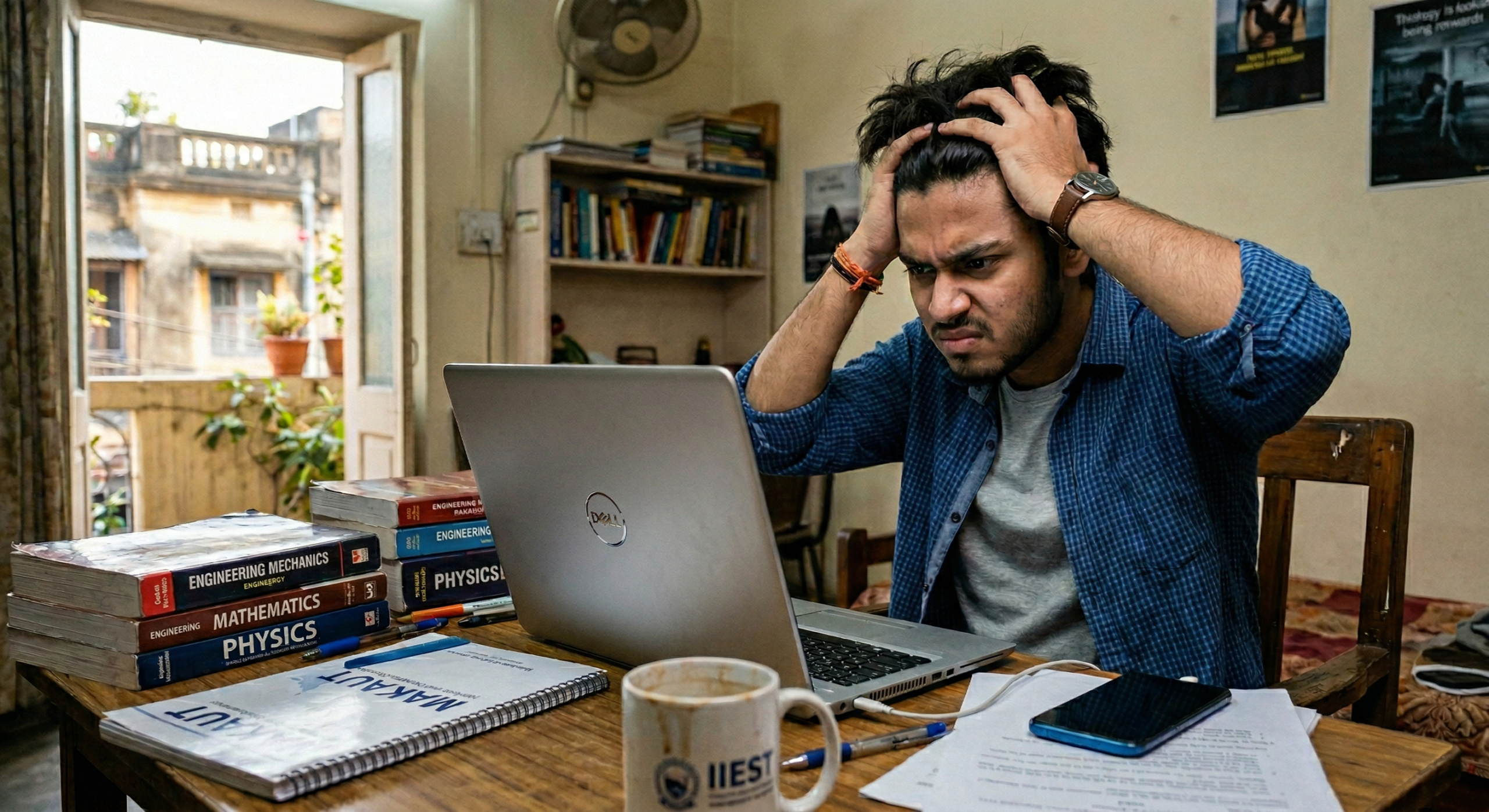
You were right in the middle of something important.
Maybe a work presentation. Maybe an online class. Maybe just a YouTube video after a long day. And then — out of nowhere — your laptop decides it no longer feels like cooperating. Everything freezes. The cursor moves like it is dragging through mud. You click something and wait. And wait. And wait.
Sound familiar?
Here is the thing. A suddenly slow laptop is one of the most frustrating things in the world — but in most cases it is not the disaster it feels like. There is almost always a simple reason behind it. And sometimes you can fix it yourself in under ten minutes without touching a single setting you do not understand.
Let us talk about what is actually going on.
Why Is My Laptop Suddenly So Slow?
Too Many Things Running at Once
This is the most common reason and most people never realise it is happening.
Every time you switch your laptop on — a bunch of programs start running automatically in the background. Your antivirus. Your cloud backup. Your browser. Some random software that installed itself quietly three months ago. By the time you actually start working your laptop is already exhausted before you have typed a single word.
Open Task Manager right now. Press Ctrl + Shift + Esc. Click the Processes tab. If you see 40 or 50 things running — that is your problem right there.
Your Storage Is Almost Full
People underestimate this one all the time.
Windows needs free space to breathe. It uses your storage drive as temporary working space while it runs. When your drive is 90 or 95 percent full — the whole system slows to a crawl. Check your storage right now. If you have less than 10 to 15 percent free space remaining — this is almost certainly part of what is slowing you down.
You Have Not Restarted in Days
Closing the lid is not the same as restarting.
When you just close your laptop and open it again — all those open programs, browser tabs, background processes and temporary files are still sitting in memory. After a few days of this the whole system gets genuinely bogged down. It is like trying to work at a desk that has not been tidied in a week.
Windows Update Is Running Quietly
This catches people out constantly.
Sometimes Windows decides to download and install updates right when you need your laptop most. It does not always tell you. It just quietly uses your processor and internet connection in the background — and suddenly everything feels like it is wading through concrete.
Check the bottom right corner of your screen for update activity. If something is downloading — let it finish before trying to work.
Your Laptop Is Too Hot
Overheating and slowness go together more than most people realise.
When your laptop gets too hot the processor deliberately slows itself down to reduce the heat. This is a built in safety feature. So if your laptop is warm to the touch — especially on the bottom — overheating might actually be the reason it feels so sluggish. Not a software problem at all.
Quick Fixes to Try Right Now
Restart First — Properly
Shut the laptop down completely. Not sleep. Not hibernate. Full shutdown. Give it thirty seconds and start it again. You would be amazed how often this alone fixes the problem.
Close Everything You Are Not Using
Go through your taskbar. Close every browser tab you are not actively reading. Close every application you opened and forgot about. Give your laptop some room to breathe.
Check What Is Running at Startup
Press Ctrl + Shift + Esc to open Task Manager. Click the Startup tab. Look for anything marked High impact that you do not actually need running automatically. Right click it and select Disable. Do this for three or four things and your next startup will noticeably faster.
Free Up Some Storage Space
Open File Explorer and check your Downloads folder. Most people have gigabytes of files sitting there from months ago that they will never open again. Delete them. Empty the Recycle Bin. Even clearing a few gigabytes can make a real difference.
Run a Quick Virus Scan
Sometimes a slow laptop is a laptop with something it should not have. Open your antivirus and run a quick scan. If you do not have one — Windows Defender is already on your laptop and it is decent enough for a basic check.
All of that should take you under ten minutes. Try it before assuming the worst.
When You Should Actually See a Technician
Sometimes the problem is not something a quick fix will solve.
If your laptop has been getting slower and slower over several months rather than suddenly — that is a sign of gradual hardware degradation, not a software hiccup. If your hard drive is making clicking or grinding sounds alongside the slowness — stop using it immediately and get it looked at. That sound is a hard drive telling you it is about to fail. If your laptop is slow AND randomly shutting down AND running hot — all three together usually point to a cooling system problem that needs proper attention.
Also — if your laptop has a traditional spinning hard drive rather than an SSD, the single most impactful thing you can do for its speed is upgrade to an SSD. The difference is not subtle. A laptop that takes five minutes to start up can start in under thirty seconds after an SSD upgrade. It is genuinely one of the best things you can do for an older laptop.
One Last Thing
Try the quick fixes first. Restart, clear some space, close what you do not need. If the slowness goes away — great. You just saved yourself a trip.
But if nothing changes — or if it keeps coming back — it is worth getting it properly checked. Sometimes what feels like a software issue is actually the hard drive slowly failing or the RAM starting to struggle. Catching that early is always better and cheaper than waiting until something actually stops working.
If you are in Kolkata and your laptop is driving you up the wall — come and see us at Vijay Enterprises on C.R. Avenue. We will take a look for free, tell you honestly what is going on, and give you a straight answer on whether it needs a repair or just a proper cleanup. No pressure, no drama. Just a straight answer from people who have been doing this since 2000.
📍 Vijay Enterprises 15, C.R. Avenue, Kolkata – 700072 25 No, Princep Street, Kolkata – 700072 📞 7003070640 | 9147711773 📧 vijayenterprise7005@gmail.com 🕐 Monday to Saturday: 10:30 AM – 7:30 PM 🔧 Free Diagnosis | All Major Brands | Since 2000

